Key Takeaways
Free educational videos can help you explore a subject, revisit a lesson, or build a study routine at your own pace.
- Choose a resource that fits your subject and preferred lesson format.
- Check who created a video and what learning materials accompany it.
- Use a short video to open a topic, then follow up with reading or practice.
- Look beyond video-only libraries for courses and curated learning collections.
- Save useful videos and return to them with a clear question in mind.
1. Khan Academy
When you want a guided introduction to an academic topic, Khan Academy is a familiar place to begin. Its lessons can make a large subject feel more manageable by focusing on one concept at a time. That makes it useful for a first look or a refresher before you move on to harder material.
The best way to use free educational videos is to bring a clear learning goal to the screen. Decide what you want to understand, watch with that question in mind, and pause when an explanation needs a second look. A video can make a concept easier to approach, but active practice helps you find out what has actually stuck.
If you are comparing options, a broader comparison of educational video sites can help you match a library to your needs. For a business creating its own instructional resource, VG Creations lists training and education videos among its services; that is a different task from browsing an existing learning library. Keeping those purposes distinct makes it easier to choose the right next step.
2. TED-Ed
TED-Ed is a natural stop when you want a concise lesson built around a question or idea. Its educational material includes TED-Ed Animations, TED Talks, and lessons that can be customized around a TED-Ed Animation, a TED Talk, or a YouTube video. That range makes it useful for a quick spark of curiosity as well as a prompt for further discussion.
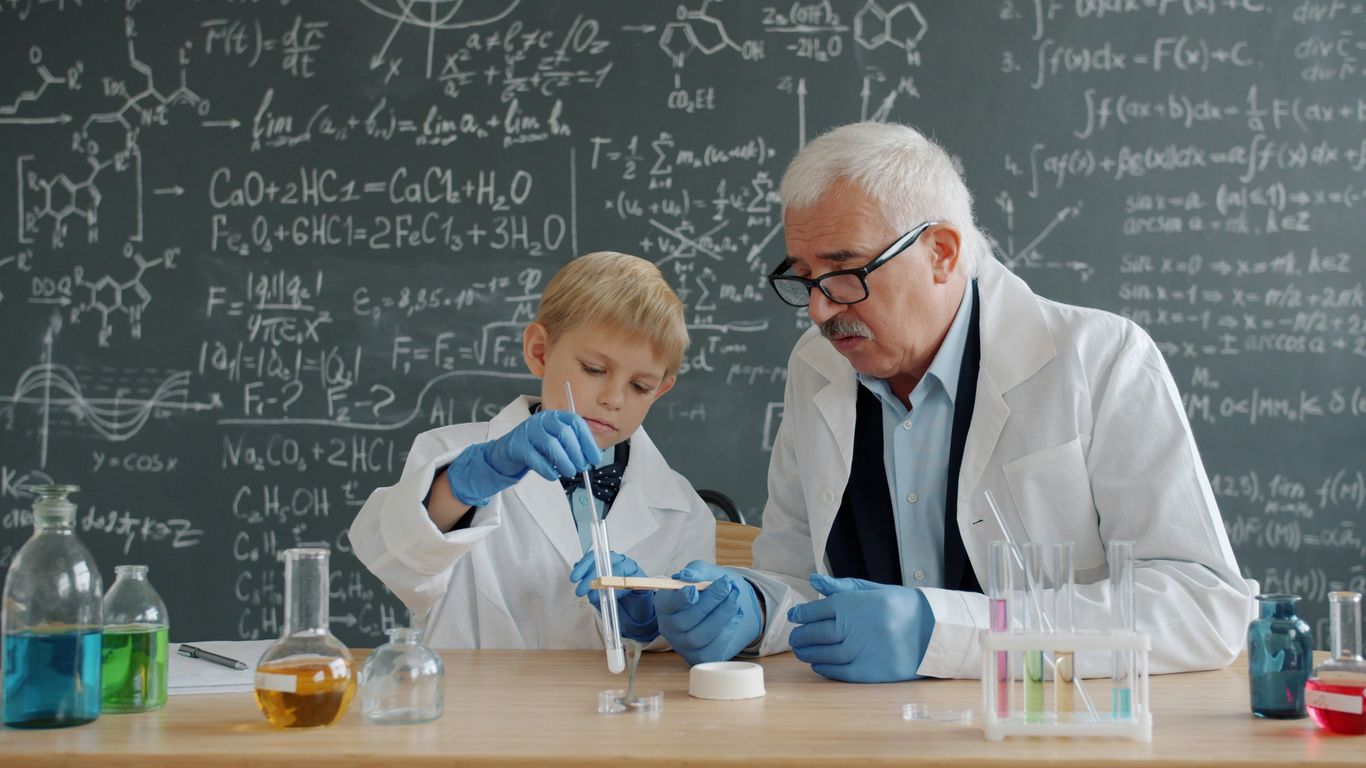
You can also browse themed collections or explore interactive material. For a closer look at TED-Ed’s lesson tools, consider how a video might fit into a larger activity: a short viewing, a question to discuss, and a chance to explain the idea in the learner’s own words. A lesson becomes more memorable when watching is only the beginning.
For educators, parents, and students, the useful feature is flexibility: the same broad idea can lead to different kinds of follow-up. A curious viewer might watch an animation and then look for another perspective, while a class might use a video as the starting point for discussion. Keep the viewing goal simple so the video has room to do its work.
3. PBS LearningMedia
PBS LearningMedia brings together videos and other teaching resources for educators and students. Its collection spans subjects such as science, math, history, and civics, so it can be a practical place to look when a topic needs a classroom-friendly entry point. Lesson plans and interactive activities can also give a video more context than a standalone clip.
A useful approach is to choose the material based on what learners should notice, not just on the topic label. Before pressing play, name one idea, question, or detail to watch for. Afterward, give students time to explain what they saw and where they might need more support.
That small routine helps keep a video from becoming background noise. Teachers can connect viewing to a discussion or an activity, while independent learners can jot down a question to investigate next. The strongest resource is not always the most elaborate one; it is the one that fits the lesson at hand.
4. MIT OpenCourseWare
MIT OpenCourseWare is worth exploring when you are ready for a more formal course structure. It shares course materials openly, and video lectures are available for some courses. Because the format and materials can vary, take a moment to see what is included before planning a study session around a particular class.
A recorded lecture can feel quite different from a short explainer. It may reward pausing, note-taking, and returning to a difficult passage rather than watching in one sitting. Break a long session into manageable stretches and write down unfamiliar terms as they come up.
Open course material can also show how a subject is organized across lessons, not just how one question is answered. For organizations that need to create their own educational material, VG Creations offers video production as well as training and education videos. That option serves a different purpose from studying a course that is already available to the public.
5. Crash Course
Crash Course is known for lively educational series that introduce subjects through fast-paced video episodes. It can be a good fit when you want a broad orientation before choosing a narrower topic to study. The energetic presentation keeps things moving, so viewers may want to pause and revisit a point that deserves more attention.
Try watching an episode with a notebook nearby. Capture a few names, terms, or questions rather than trying to write down everything on screen. Then use those notes to decide whether you want a slower explanation or a deeper reading on one part of the subject.
A series can provide a helpful thread through a topic, but it does not have to be watched from beginning to end. Choose the episode that meets your current question, and let your interest guide what comes next. This approach keeps a quick introduction useful without mistaking it for a complete course.
6. NASA
NASA’s public-facing educational material can be a compelling starting point for space and science topics. Videos connected to missions, spacecraft, and research offer a way to see scientific work alongside explanations of the questions behind it. The breadth of material means it helps to arrive with a subject in mind, whether that is a planet, a mission, or a larger scientific idea.
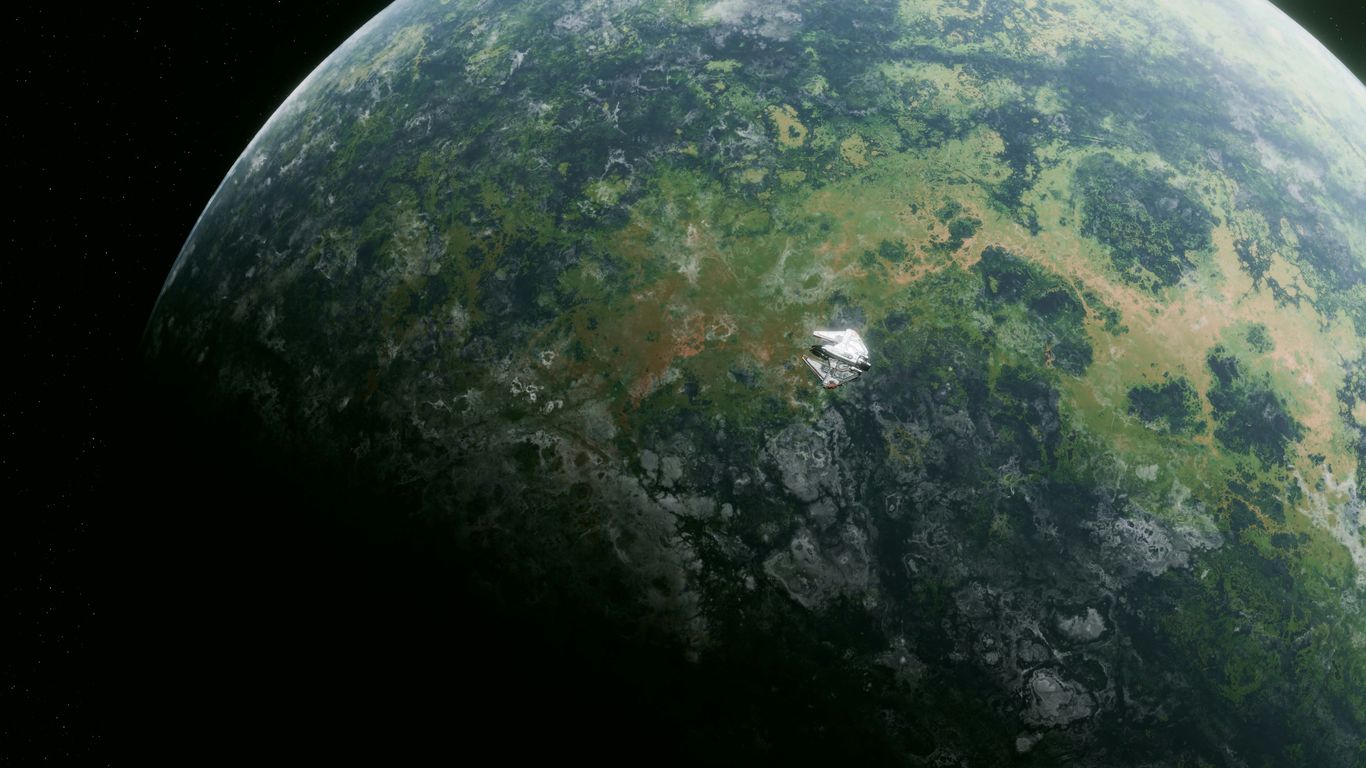
A short viewing can prompt bigger questions: What is being observed? What evidence supports the explanation? What would researchers need to learn next? Asking these questions turns an impressive image or mission update into a more active learning experience.
Some material may be most rewarding when paired with a map, reading, or classroom discussion. If a video introduces unfamiliar vocabulary, pause to define it before moving on. That bit of context can make the next clip or explanation easier to follow.
7. Smithsonian Learning Lab
Smithsonian Learning Lab is a place to explore educational resources and curated collections, rather than simply a list of videos. Collections can bring different kinds of learning material together around a subject, which is useful when a single clip does not offer enough context. Search with a specific topic or question to keep the exploration focused.
When a collection includes video, use it alongside the other materials instead of treating it as the whole lesson. A picture, object, or written source can provide a useful contrast to what a video explains. Moving between formats gives learners more than one way to approach the same idea.
This kind of resource is especially helpful when a learner wants to follow an interest in several directions. Start with one collection, note what catches your attention, and then decide whether to look more closely or move to a related topic. A little structure helps open-ended browsing remain purposeful.
8. OpenLearn
OpenLearn offers free learning materials through courses and topic areas, with video appearing as part of some learning content. That makes it a useful option when you want more than a collection of standalone clips. Look at the course or topic description first to see whether the material matches your experience and the time you have available.
A video within a course can serve as one piece of a broader learning sequence. Read any surrounding material, pause to reflect on the main point, and complete a related activity if one is offered. Those steps can help connect what you hear to what you already know.
If you are learning independently, set a modest pace rather than trying to cover too much at once. One lesson followed by a short note or a question to revisit can be more useful than a long session with no time to reflect. Return when you are ready to build on the idea.
9. YouTube
YouTube contains educational videos from many kinds of creators, so it can be useful when you already have a topic in mind. Its open-ended search also means the quality and depth of results can vary. Look at who made the video, what evidence or sources it uses, and whether its explanation fits the level you need.
A quick check before watching can help you decide whether a result deserves your time. These questions offer a simple starting point:
- Is the creator qualified or otherwise well positioned to explain this topic?
- Does the video distinguish evidence from opinion?
- Are claims supported by sources or examples you can check?
- Does the level of detail match what you are trying to learn?
Those checks are not a guarantee, but they encourage thoughtful viewing rather than trusting a title or thumbnail alone. For organizations making their own video content, VG Creations lists video editing services; finding public videos and producing original material are separate needs. Keep that distinction in mind as you search.
10. OER Commons
OER Commons is a resource for discovering open educational materials, and its offerings can include materials in different formats. When searching for video, check the individual resource details to understand what is available and how it is intended to be used. The label of a resource alone will not tell you whether its format suits your learning goal.
A simple way to choose is to match the format to the kind of understanding you want to build. This quick guide can help you decide what to look for:
| Resource format |
Often useful for |
Consider pairing it with |
| Short explainer |
Getting an initial overview |
A question or short note |
| Recorded lecture |
Following a fuller lesson |
Pauses and organized notes |
| Demonstration |
Seeing a process unfold |
A chance to try the steps |
| Curated collection |
Exploring several perspectives |
A topic to guide your search |
Once you find a promising resource, review its description and any usage information before sharing or adapting it. A video may be most effective when combined with a reading, a discussion, or a hands-on activity. Treat the format as one part of the lesson, then choose the next step that will help the idea stay with you.
Conclusion
There is no single best place to find free educational videos for every subject or learner. Start with a question, choose a resource that fits the depth you need, and give yourself time to reflect after watching. A little active attention can turn a useful clip into a lasting part of your learning.
Frequently Asked Questions
Where can I find free educational videos?
Start with educational libraries, public institutions, course platforms, and open-resource collections. The best option depends on the subject, format, and depth you are looking for.
Are free educational videos suitable for classroom use?
Many can support classroom learning, but check the resource details and any usage terms before showing or sharing a video. Consider how it connects to the lesson and what students will do afterward.
How can I tell whether an educational video is reliable?
Look at who created it, whether it explains its sources, and whether its claims align with other credible materials. For complex subjects, compare more than one explanation.
How long should a study video be?
Choose a length that fits your attention and the complexity of the topic. A longer lesson can work well in sections, with pauses for notes or reflection.
Should I take notes while watching educational videos?
Brief notes can help you stay engaged and remember questions to revisit. Focus on key ideas rather than transcribing every sentence.
Can a video replace reading or practice?
A video can make an idea easier to approach, but reading, discussion, and practice can add context and help you check your understanding. Use the formats that suit the subject and your goal.
What should I do after watching an educational video?
Summarize the main idea in your own words, write down any remaining questions, and choose a follow-up activity or resource. That simple review helps connect viewing to continued learning.
